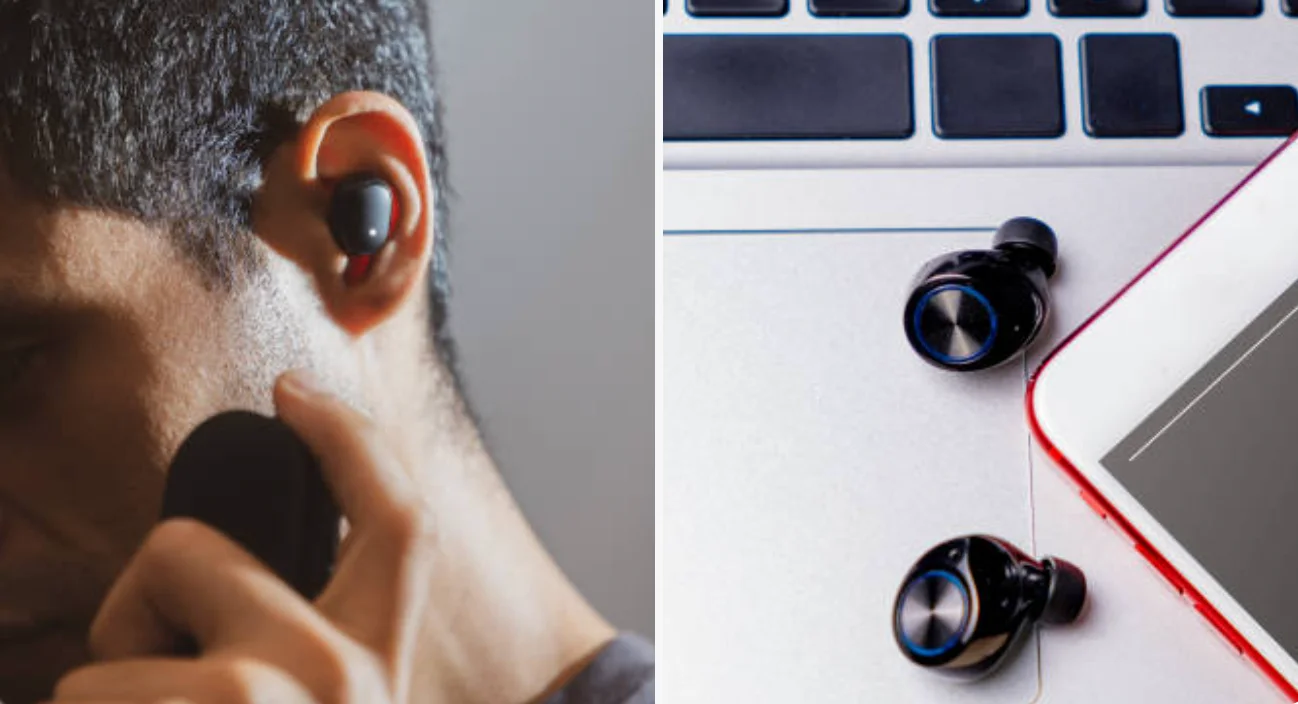
Nobody files a ticket for a 4 dB difference between two earbuds. People nudge the volume up a notch, push one bud deeper, and carry on. Across a sales floor or support desk where everyone wears the same model for six hours a day, that habit hides a fault and quietly raises listening levels in one ear.
True wireless earbuds are two small devices sharing one audio stream, which gives them more ways to drift apart than a wired pair ever had. The cause is usually settings, firmware or a clogged mesh, and only occasionally a failed part. The steps below go from the cheapest check to the most expensive, so you replace hardware only when everything else is ruled out.
A 4 dB Gap Is Easy To Hear And Adds Real Exposure To The Louder Ear
Listeners notice level changes of about 1 dB, according to Georgia State University’s HyperPhysics notes, so 4 dB is well past the threshold. In signal terms it is a factor of about 1.6, enough to pull a voice toward the louder side and make one ear do more of the work on a long call.
There is a safety angle too. NIOSH, the US workplace-health agency, uses a 3 dB exchange rate around its 85 dBA exposure limit, which means every 3 dB increase halves the time you can listen at that level. As a rough illustration only, 4 dB extra cuts the allowance for that ear to about 40%. Occupational limits do not translate exactly to levels inside an ear canal, but the direction is clear: the louder bud sets your real exposure. The WHO-ITU safe listening standard for personal audio gives a reference of 80 dB for 40 hours a week for adults, and a balanced pair is the first step to staying inside it.
Until the fault is fixed, set the volume by the louder bud, not the quieter one.
Many Earbuds Relay The Second Channel, So Two Volume States Can Drift
In classic Bluetooth designs, the phone talks to one earbud, which receives the stereo stream and forwards the other channel to its partner. IEEE Spectrum’s explainer on Bluetooth LE Audio describes that extra hop and notes that LE Audio removes it by letting the phone send synchronized left and right streams to each bud directly.
Whatever the transport, each bud has its own chip, amplifier and volume state. In many designs those states are kept in step by software. When the sync slips, the usual triggers are:
- One bud reset or re-paired alone, so the two run different settings.
- Mismatched firmware, often after an update that reached only one bud.
- A weak link between the buds, which shows up as dropouts and sometimes as level changes.
None of these damage the hardware, which is why they are the first things to rule out.
Check The Phone, The App And The Firmware Before Touching The Buds
A short list, in the order that costs the least time:
- Phone balance slider. Apple’s iPhone guide places the Left Right Stereo Balance slider in Accessibility settings, and Android phones have an equivalent left/right control whose name varies by maker. One slightly off-center slider can account for several dB.
- The earbuds’ companion app. Per-ear equalizer curves and “personalized sound” profiles can lift one side on purpose. Switch them off and listen again.
- Firmware. Update through the maker’s app with both buds charged and seated in the case, then confirm both report the same version.
- Forget and re-pair. If the maker documents a reset for the buds, do it, then pair again. Note that a reset also wipes custom settings.
- A second phone. Pair the same buds with another device and play a single-channel signal. A left and right channel test works well, as it plays one side at a time. If the gap changes or vanishes on the second phone, the first phone’s settings were responsible. If it follows the buds, go on.
Earwax In The Mesh And A Poor Tip Seal Change Level Without Any Fault
Before anyone suspects electronics, look at the nozzle. Wax and skin debris in the speaker mesh of one bud can cut its output, and the effect is bigger at the frequencies that carry speech. The reverse also happens: a bud that seals well sounds louder and fuller than one that leaks, especially in the bass.
- Inspect both nozzles under good light. A visibly packed mesh explains the gap.
- Clean gently with a dry soft brush or the maker’s recommended method. Do not push a pin or a wet swab into the mesh, since that drives debris deeper or damages the driver.
- Try the other tip size on the quieter bud. A tip one size too small for that ear is a common reason one side sounds weaker and thinner.
- Re-seat the bud and compare again, because a half-turn in fit can move the level by a few dB.
After cleaning and a fresh tip, the gap often closes on its own. If it does not, the problem is not wax or fit.
Wearing The Buds In The Opposite Ears Shows Whether The Fault Follows The Bud
A bud still plays its own channel wherever it sits, so you can separate a bud fault from an ear or fit effect. Put the left bud in your right ear and the right bud in your left, play a steady sound such as the headphone test, and note which side now seems louder. Repeat the test twice, with the volume low, and ask a colleague to confirm if you are not sure.
For numbers, rest each bud’s nozzle against the same spot on a phone microphone, with the same light pressure, and read a steady tone or noise on a sound meter app. Take three readings per bud and average them. Treat this as a relative comparison only: phone mics are uncalibrated, the coupling to a bud is far from an ear canal, and the absolute dB figure will be wrong by several decibels. The gap between the two buds is still a useful signal.
| What You See | Likely Cause |
|---|---|
| Louder side follows the bud into the other ear | The bud: debris, firmware, or a driver or amplifier fault |
| Louder side stays on the same ear | Your ears, the tip fit or a phone balance setting |
| Gap changes on a second phone | The first phone’s balance or audio settings |
| Gap appears in one app only | That app’s equalizer or audio effects |
One caution that matters more than the table: if the same ear sounds weaker on every pair of headphones you own, or you notice a sudden change in one ear, stop troubleshooting gear and see a doctor or audiologist. Equipment checks cannot tell you what is happening in your ears.
A Fleet Needs A Bud-Level Test Record And A Simple Replacement Rule
One mismatched pair is an annoyance. Twenty are a procurement problem, and the way to tell them apart is a record, not a feeling.
- Test every pair at issue, using the same phone, signal and mic position, and log the left and right readings. A pair with a gap under about 1 dB is in the range most listeners cannot hear.
- Log the model, firmware version and purchase batch for each failure. If the bad pairs cluster in one batch or one firmware release, the maker needs to know, and a bulk claim carries more weight than single returns.
- Set a replacement rule up front, such as swapping any pair whose gap stays above 3 dB after cleaning, a tip change and a firmware update. A written threshold stops every case becoming a debate.
- Handle shared pairs with care. Earbuds worn by more than one person need hygiene wipes and fresh tips between users, and a cleaning step that does not push wax into the mesh.
- Keep the warranty clock in view. Clean-and-retest takes ten minutes; a missed return window costs the whole unit.
The 3 dB threshold above is a judgment call, not a standard. A call-center team might tighten it, while a team that only listens to short meeting audio can relax it. Pick a number, write it down, and use it consistently, since the decision matters less than being able to defend it later.